Get your alerts on Telegram, Discord, email or a webhook
Jordan Ellis
Senior Product Marketing Manager, CoinBeacon
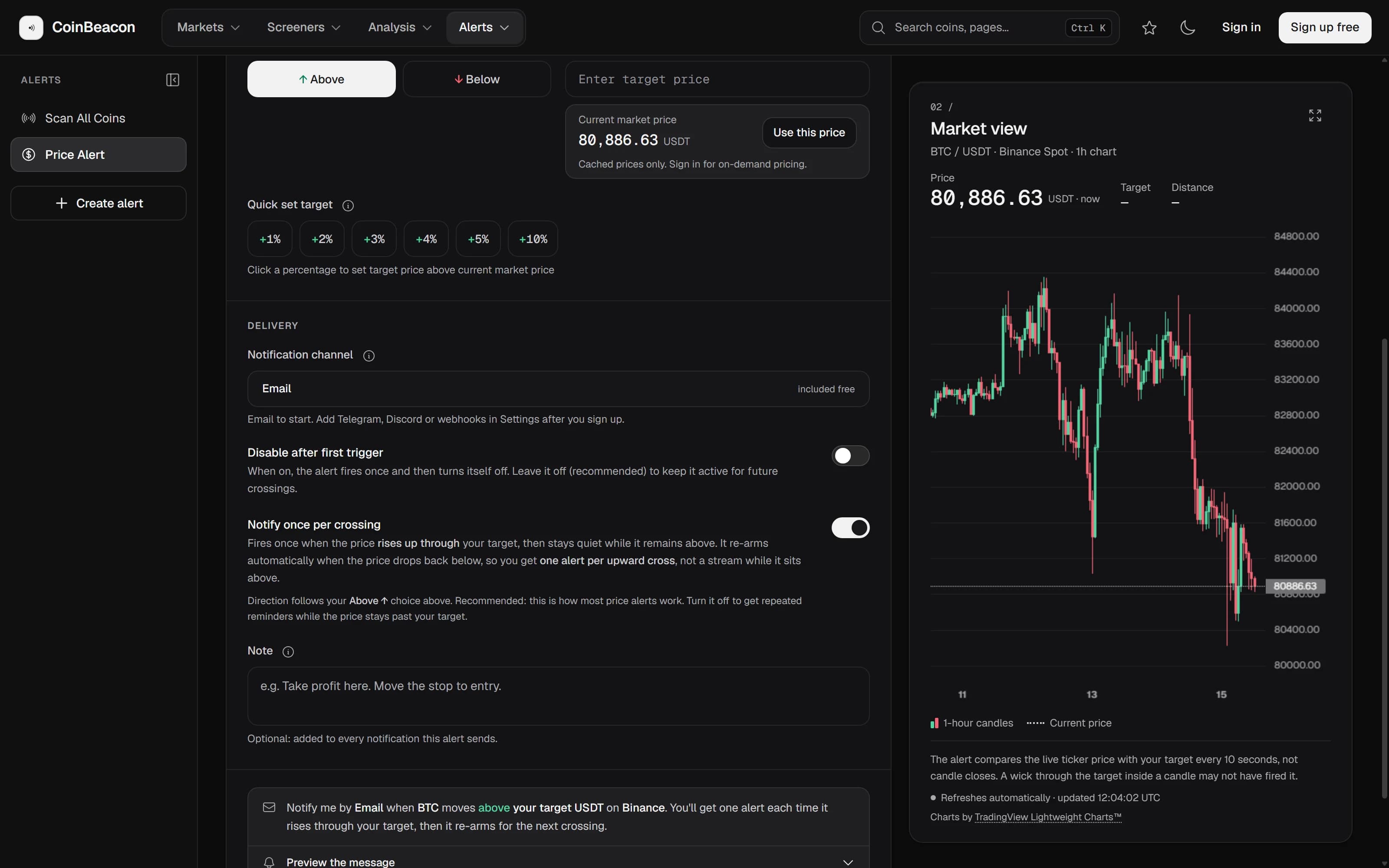
An alert is only as useful as the place it lands. CoinBeacon delivers to four places: email, Telegram, Discord and a webhook of your own. Each is connected once, then picked per alert.
Where channels are set up
Every channel lives in Settings › Notifications in the app. Each one has a test button, so you can confirm a message arrives before an alert depends on it. All four are included on the free plan.
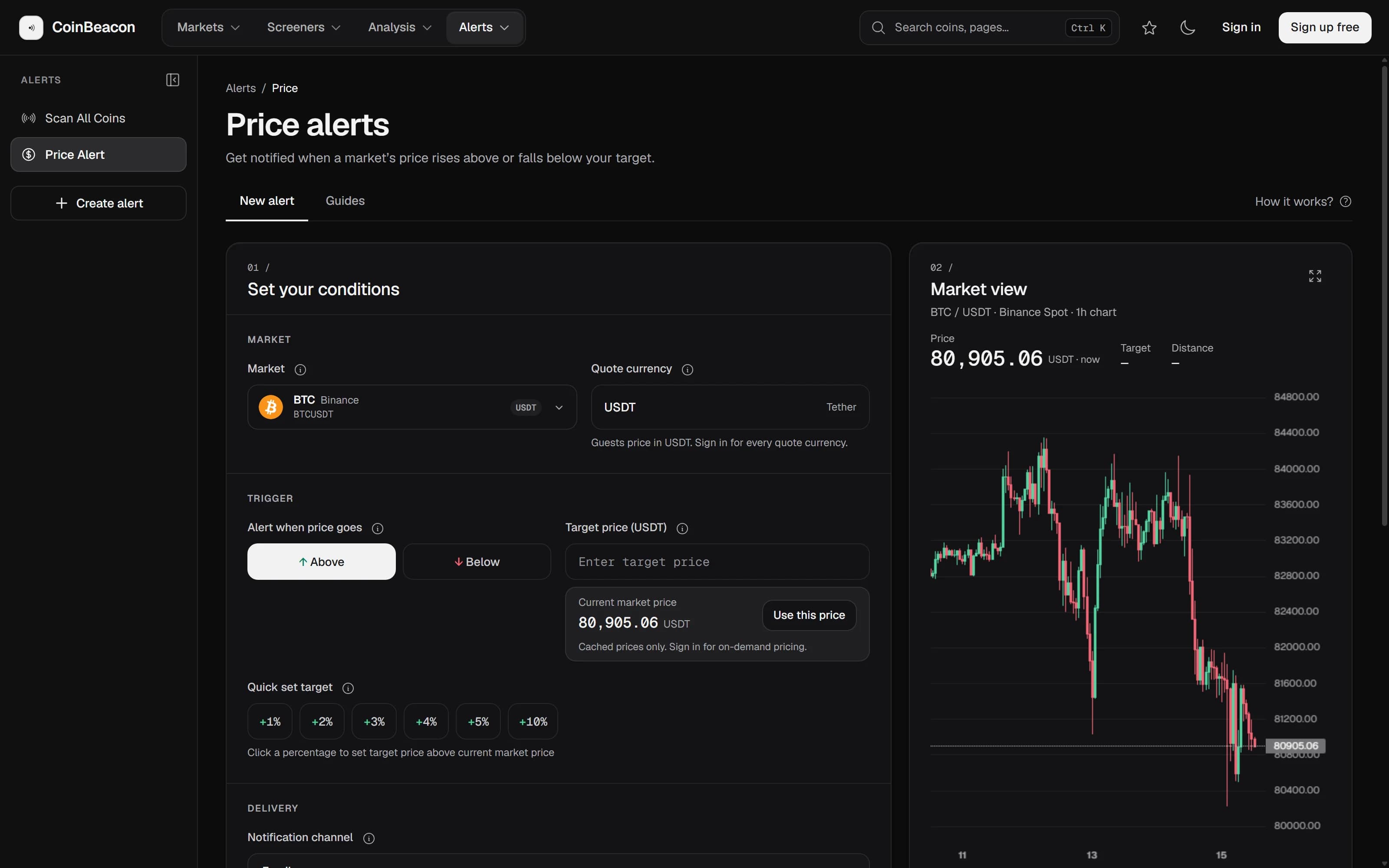
An alert sends to one channel, chosen in its “Notification channel” field. A channel you have not connected yet shows as “Not set up” there and cannot be picked until it is. Signed out, the builder starts on email, and the others are added after you sign up.
Email goes to your account address, shown in Settings as “Sent to”. It cannot be switched on until that address is verified; “Resend verification email” is there if the first one went missing. Use “Send test email” to check your inbox and its spam filter before you rely on it.
Telegram
- Press “Connect Telegram”. It opens our bot in Telegram. If Telegram does not open, use the “Open the bot” link shown under the button.
- Press Start in Telegram. Your chat is linked automatically, and the bot replies that you will receive CoinBeacon alerts there. There is no chat ID to copy.
- Send a test. “Send test message” in Settings confirms the link end to end.
The link is valid for 10 minutes. If you open it later, the bot says it has expired and points you back to Settings for a fresh one. “Disconnect Telegram” takes effect immediately, without waiting for “Save changes”.
Discord
- Create a webhook in Discord. Open the channel’s settings, then Integrations › Webhooks › New Webhook, and press Copy Webhook URL.
- Paste it into “Webhook URL”. It must be a
https://discord.com/api/webhooks/…address; anything else is refused when you save. - Save, then send a test. Press “Save changes”, then “Send test message”. Messages post under the name CoinBeacon.
A webhook
A webhook sends each alert to a URL you control, as a JSON POST, so you can route it into your own bot, sheet or trading tool. Enter it as “Endpoint URL”; it must start with https://. Addresses on private networks, localhost and URLs carrying credentials are refused. Each request has a 5-second timeout, and redirects are not followed.
What the request contains
- The message, as text.
titleandbodycarry what the alert says, andcontentis the same text formatted for chat apps. - What kind of alert sent it.
typeis the alert type, andtimestampis when it was sent. - Your note, when you wrote one.
noteappears only if the alert has a note on it.
The price, coin and exchange are inside that text, not separate fields. If your code needs them as values, parse them out of title or body.
To check that a request really came from us, set a “Signing secret” (up to 200 characters). Every request then carries an X-Signature header of the form sha256=<hex>: an HMAC-SHA256 of the raw request body, keyed with your secret. Compute the same on your side and compare. The test request from Settings is not signed.
When a channel stops working
Temporary trouble, such as a rate limit, a server error or a timeout, is retried: three attempts in all, five seconds apart.
Some failures mean the channel is gone: a deleted Discord webhook, a Telegram chat that blocked the bot, a webhook URL answering 404, 410, 401 or 403. When that happens, every active alert on that channel moves to email, the notification that failed is re-sent by email, and you get one email explaining what moved and why. If your email address is not verified, those alerts are stopped instead, because there is nowhere safe to send them.
What the channels do not do
- There is no SMS, push notification or phone call. The four channels above are the complete list.
- One alert sends to one channel. To get the same condition on Telegram and Discord, create two alerts. Each one counts toward the free plan’s five active alerts.
- Every message counts toward the daily limit. The free plan sends 10 notifications a day across all alerts and channels, reset at 00:00 UTC, and tells you by email when you reach it. The Bitcoin price alert guide covers how each alert type behaves at the limit.