How to spot trending coins in real time
Jordan Ellis
Senior Product Marketing Manager, CoinBeacon
“Trending” gets used for three different things: a coin whose price is moving steadily in one direction, a whole sector that is moving together, and a coin that suddenly has far more trading than usual. They often overlap and often do not, and each one has its own board.
“Trending” means three different things
- Trend strength is about direction. Are the indicators on this coin’s chart agreeing that price is heading one way, and on how many timeframes? That is the Trend Scanner.
- Sector momentum is about groups. Are AI coins, or memecoins, or layer-2s rising together today? That is Narratives.
- Unusual volume is about attention. Is this coin trading several times its normal amount in the last few minutes? That is Volume movers, and it is usually the earliest of the three to move.
Trend strength: the Trend Scanner
The Trend Scanner gives every coin a score from −100 to +100 on each of five timeframes: 15 minutes, 1 hour, 4 hours, 1 day and 1 week. Positive means the evidence points up, negative means down, and the further from zero, the more of the evidence agrees.
The evidence is a set of standard indicators read on closed candles only, so a score never changes because of a candle that is still forming:
- Trend structure. Whether the 10, 25, 50, 100 and 200-period moving averages are stacked in order, Supertrend, the Ichimoku cloud, the MACD and where price sits against its 50-period average.
- Momentum. RSI(14) above 55 counts as bullish and below 45 as bearish, plus the slope of the MACD histogram.
- Persistence. Whether the direction has held over the last 20 candles rather than just the last one.
- A light volume check. On-balance volume and money flow, as confirmation rather than as a driver.
Each score is scaled by how much evidence was available, and cut by a quarter in choppy markets. Within ±14 reads as neutral; 15 to 39 is a mild trend, 40 to 59 moderate, and 60 or more strong. A dash means the coin has fewer than 90 closed candles on that timeframe, and a small dot means fewer than 220, so the longest averages are missing from its score.
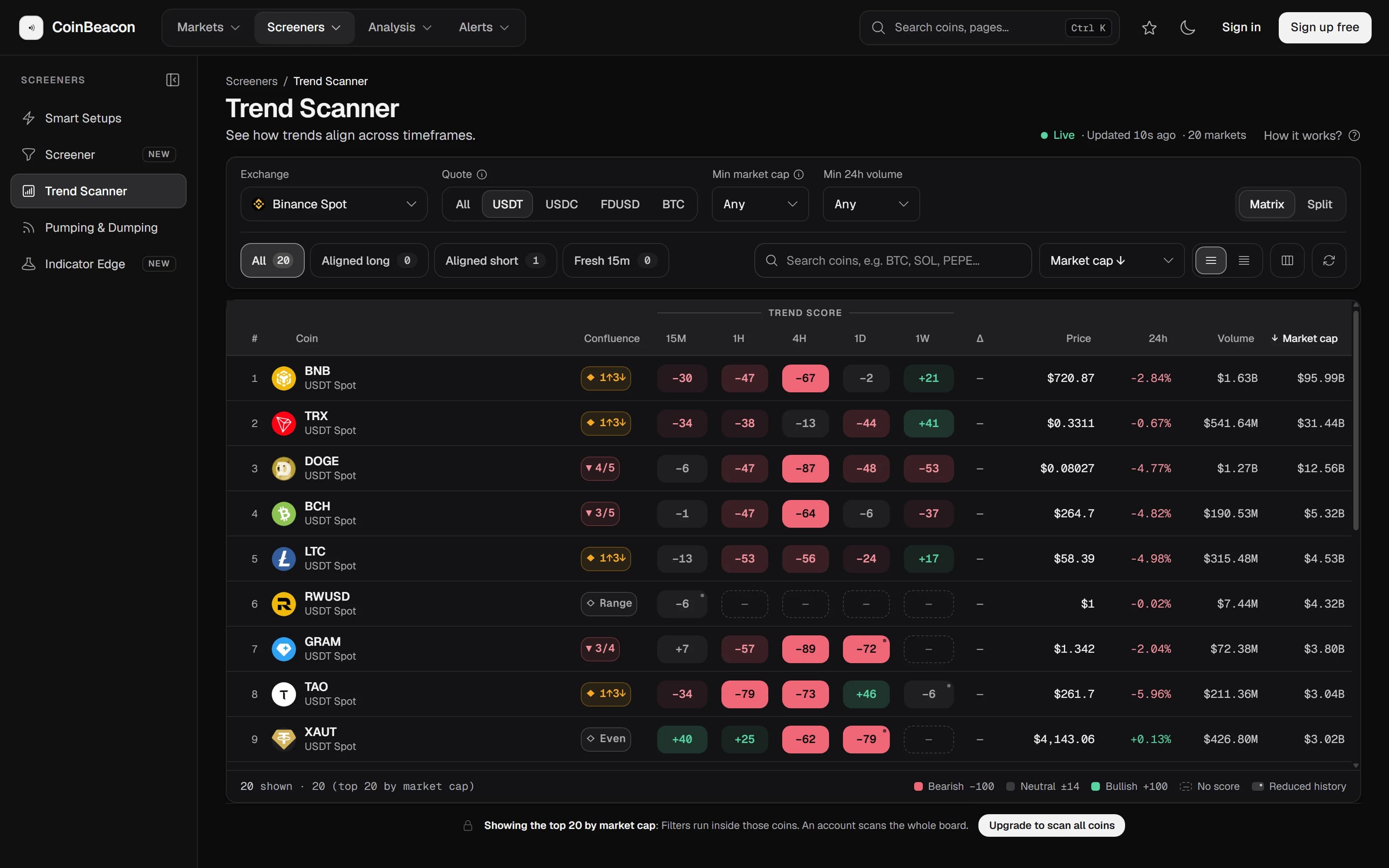
The most useful view is agreement across timeframes, and the quick filters do that for you. “Aligned long” keeps coins scoring above +60 on the daily, +50 on the 4-hour and +40 on the hourly; “Aligned short” is the mirror. “Fresh 15m” looks for a new move: above +50 on 15 minutes with the hourly above +40 behind it.
Scores are recalculated every five minutes, and the page checks for new ones every 30 seconds. It covers Binance spot and the perpetual futures on Binance, Bybit, OKX and Gate.io. Signed out, you see the 20 largest coins by market cap; a free account opens the whole board.
Sector momentum: Narratives
Narratives groups coins into sectors using CoinMarketCap’s categories, keeping only sectors with at least three coins that have a 24-hour change, and ranks them by the average 24-hour move of their coins, each coin counting equally. Every row also shows the median move, how many coins are up and down, the sector’s market cap and its biggest mover.
Equal weighting matters: one giant coin cannot carry a sector to the top on its own. The median beside the average tells you whether the whole sector is moving or one coin is dragging the average with it.
Attention arriving now: Volume movers
Volume movers compares each coin’s recent volume with its own normal. The “× normal” figure is the volume traded in the window you pick (1, 5, 15, 30 or 60 minutes) divided by what that coin usually trades in the same length of time, measured over up to the previous two hours. In the app’s own words: 2× and up is unusual, 5× and up is a real spike.
Each row also leans buy, sell or mixed, from who was taking liquidity: buy when at least 55% of the volume was market buys, sell when it was 45% or less. A coin appears once, on its most-traded pair, and coins too thin to have a meaningful normal are left out.
Because it reads one-minute volume, this is the board that moves first, often before price has gone anywhere. It is also the noisiest: one large order can make a 3× bar on its own.
Using the three together
The three boards answer different questions, so they work best in sequence rather than in competition:
- Narratives shows where. Which sectors moved today, and whether the whole sector moved or one coin did.
- The Trend Scanner shows how firmly. For coins in those sectors, whether the timeframes agree, and on which side.
- Volume movers shows whether it is happening now. Whether fresh trading is arriving on those coins in the last few minutes.
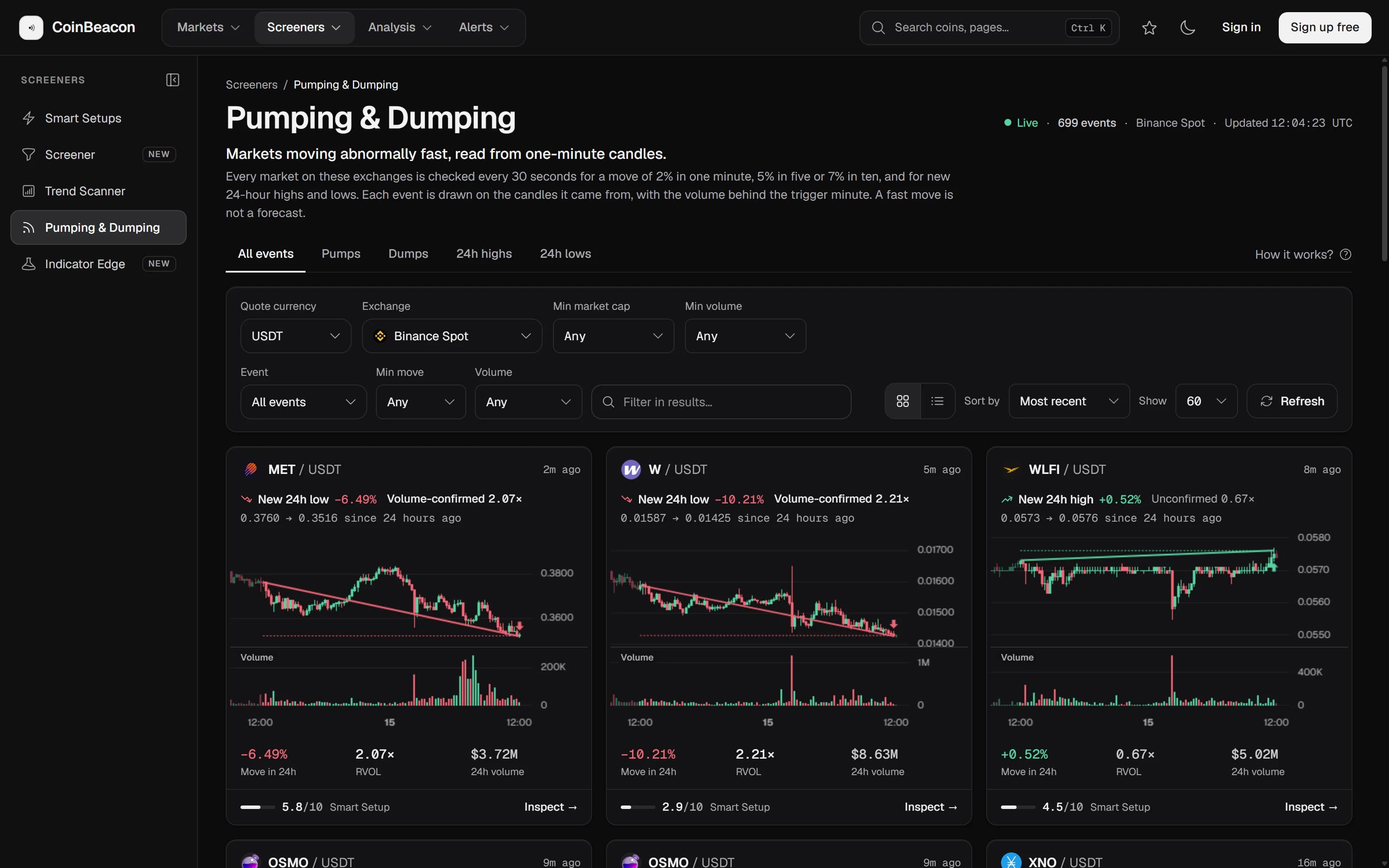
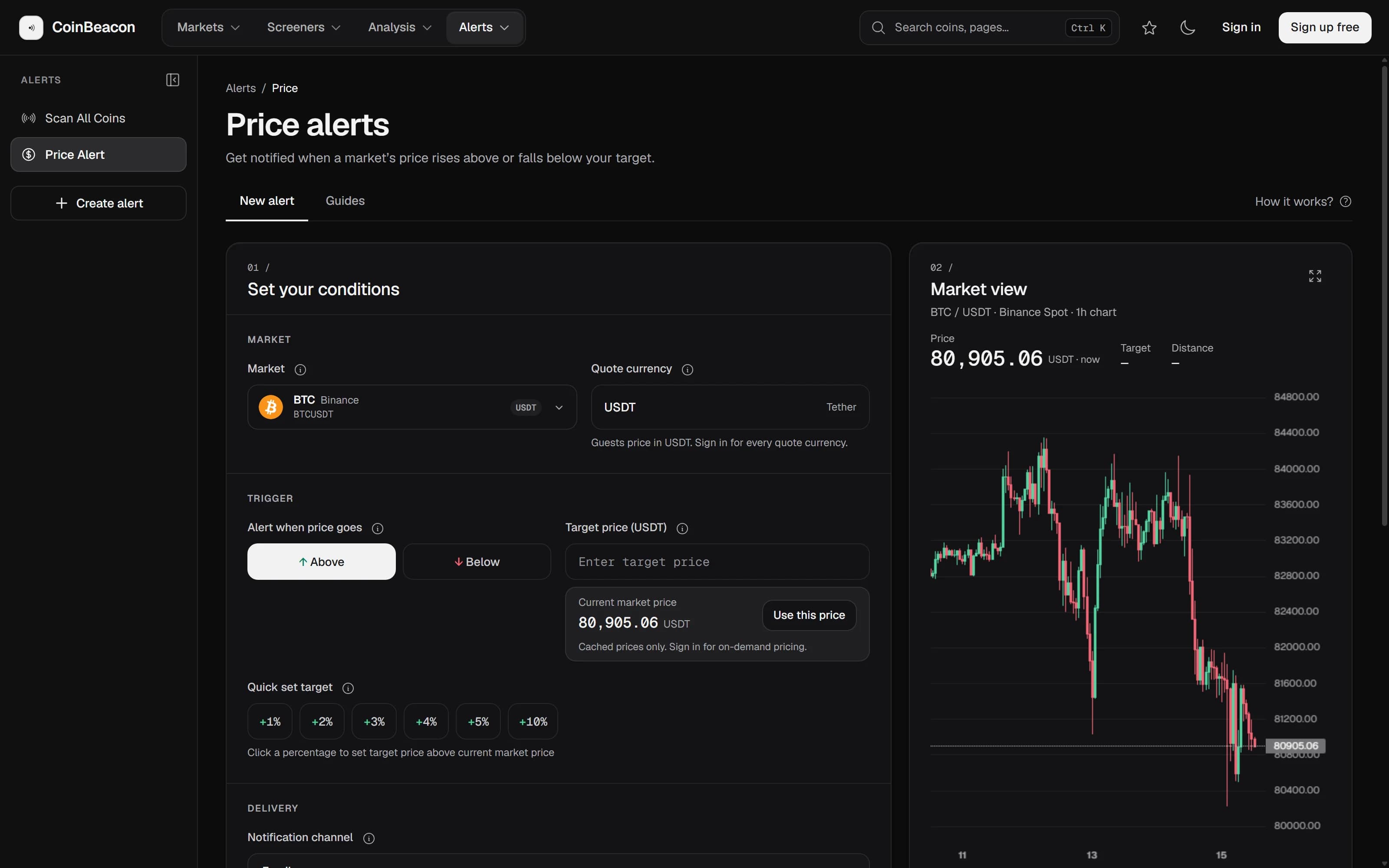
When a coin shows up on more than one, a momentum alert will tell you if it moves by the amount you care about, without watching the screen. For moves that are abnormally fast rather than steady, see how pump-and-dump detection works.
What none of them can tell you
- None of them is a forecast. A strong trend score describes the candles that have closed. Markets that trend can stop trending without warning.
- They lag by design. Trend scores wait for candles to close, and Narratives waits for hourly data. That makes them steadier and slower than the price itself.
- They do not know why. A listing, a hack, an unlock and a rumour can all produce the same numbers. The boards show what moved, not the reason.