Updated
How to set a Bitcoin price alert
Jordan Ellis
Senior Product Marketing Manager, CoinBeacon
“Tell me about Bitcoin’s price” is really three different requests: tell me when it crosses a price I pick, tell me when it moves by a percentage, or just tell me what it is every so often. Each one is a different alert, and each behaves differently after it fires.
Pick the alert that fits the question
- A level is a price alert. “Tell me when BTC goes above $90,000”, or below $75,000. You set the level and the direction, and it fires when the price crosses it.
- A move is a percentage alert. “Tell me if BTC drops 5%.” It measures from the price at the moment you create it. For a drop measured over a rolling window that keeps watching indefinitely, use a momentum alert instead.
- A schedule is a periodic alert. “Send me the BTC price every 2 hours.” There is no condition; it reports the price at the interval you choose.
Alert me when Bitcoin crosses a price
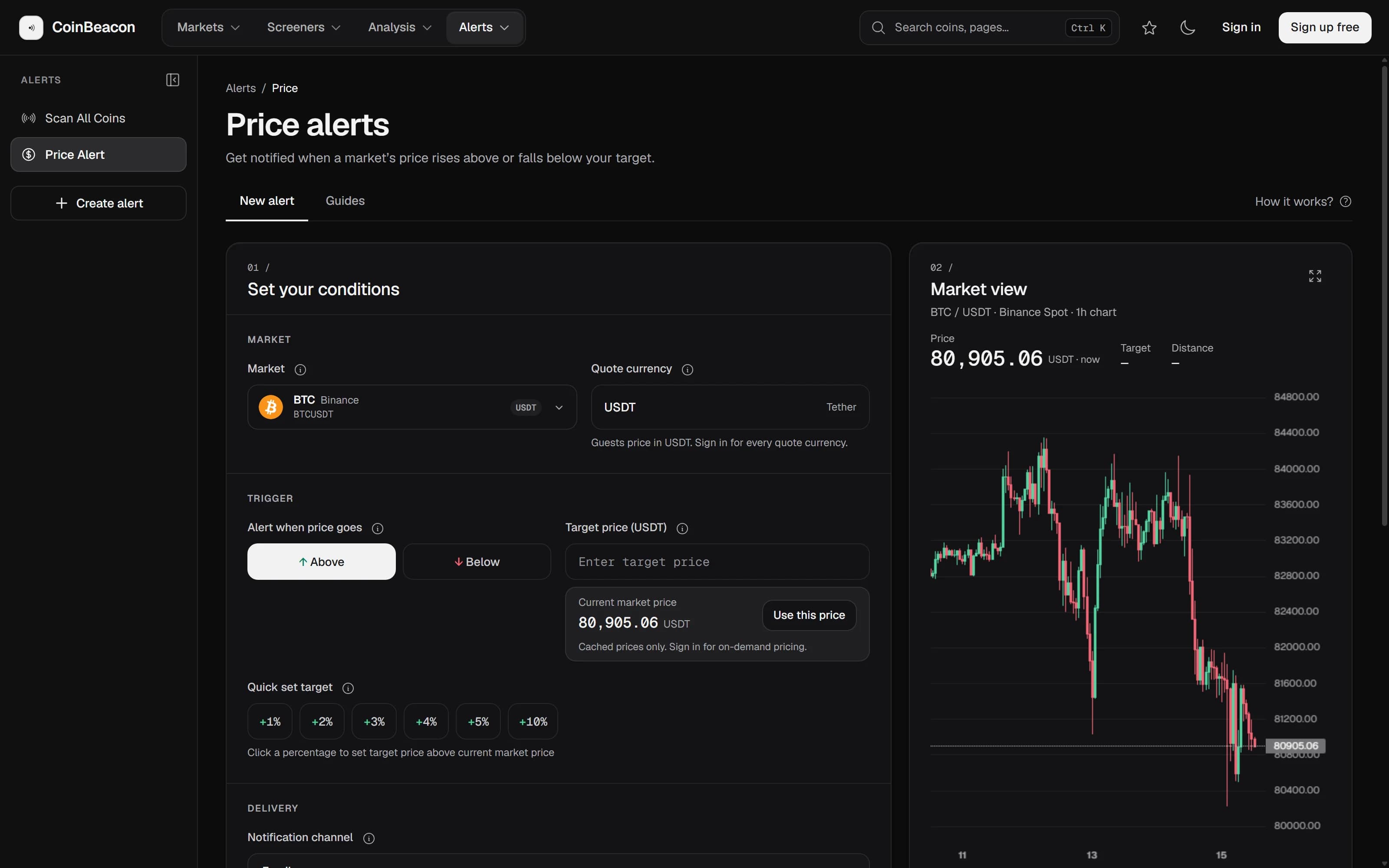
Open Price alerts. The builder starts on BTC/USDT on Binance spot with the live price filled in, so for Bitcoin there is nothing to choose in the Market field. Searching there finds any other coin, and picks the coin and the exchange together.
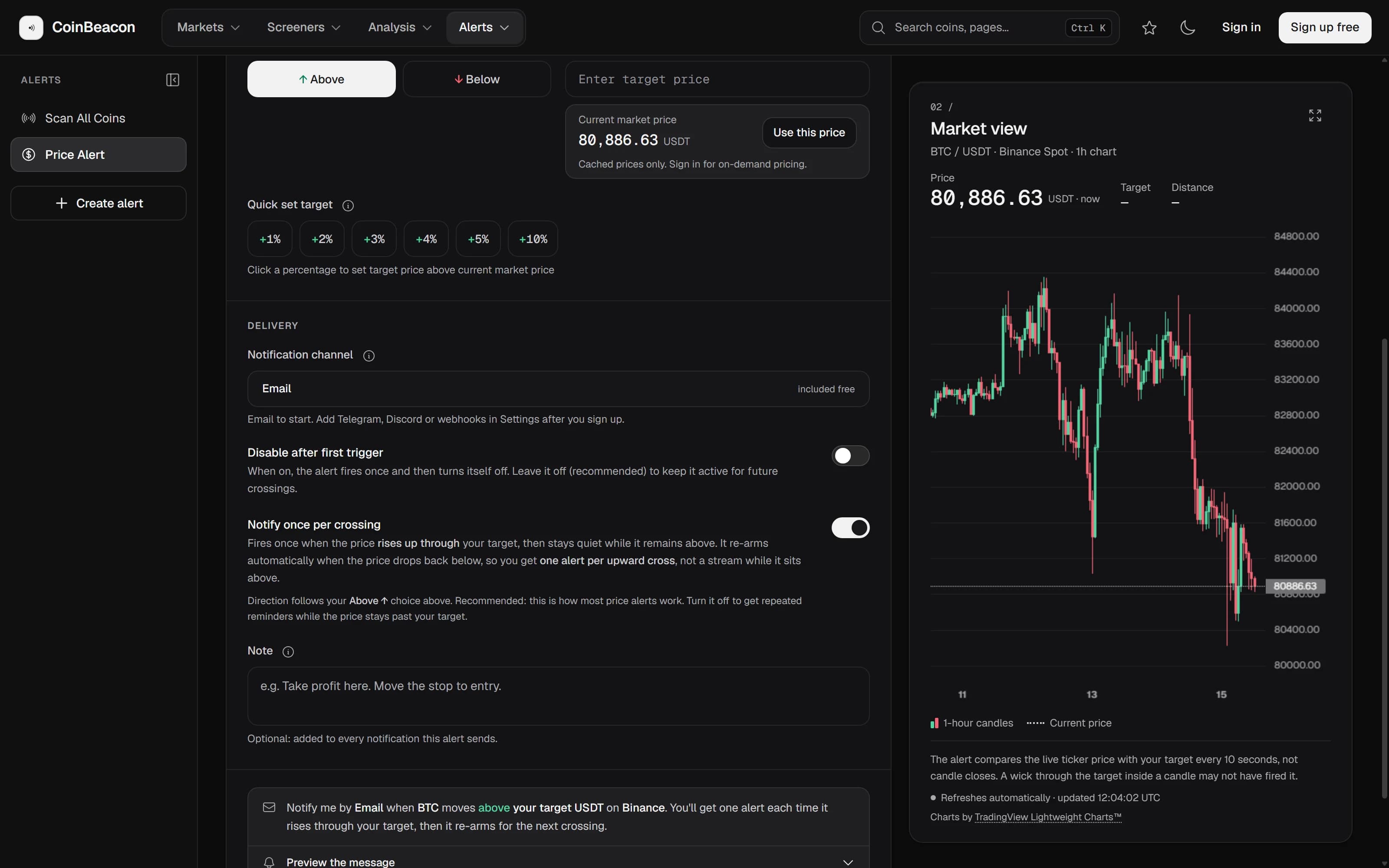
- Choose a direction. Under “Alert when price goes”, pick Above or Below.
- Set the target. Type a price into “Target price”, press “Use this price” to start from the live one, or use a quick-set chip: +1% to +10% above the current price, or the same percentages below it when Below is selected.
- Choose where it reaches you. Pick a notification channel: email, Telegram, Discord or a webhook. The last three are connected once, in Settings; the channels guide walks through each.
- Create it. Press “Create price alert”.
How the alert behaves after it fires matters as much as the level. “Notify once per crossing” is on by default: the alert fires when the price crosses your level, stays quiet while the price remains on the far side, and re-arms when the price comes back. You get one message per crossing rather than a stream.
- It needs a crossing, not just a price past your level. If Bitcoin is already above your target when you create an Above alert, nothing fires until the price falls back below it and crosses up again. The builder points this out when it happens.
- Switching crossing mode off gives you reminders. The alert then fires while the price stays past your level, once per “Reminder interval”, which runs from 5 minutes to 7 days and defaults to 1 hour.
- “Disable after first trigger” makes it a single alert. It fires once and switches itself off.
The price is compared with your target every 10 seconds, using the live ticker rather than candle closes. A wick that crosses your level and comes back between two checks can be missed.
Alert me when Bitcoin drops by a percentage
Open Percentage alerts, choose Down, enter the size of the drop (2% by default) and pick a time window from 1 minute to 24 hours.
The detail people miss is the starting point. The drop is measured from Bitcoin’s price at the moment you create the alert, and that entry price stays fixed for the life of the alert. A 5% Down alert created at $80,000 fires at or below $76,000, whatever happens in between. It can fire again after its cooldown while the window is still open, and when the window ends it expires and tells you so. Turn on “Disable after first trigger” if one message is all you want.
If what you mean is “any time Bitcoin falls 5% within an hour, today or next month”, that is a momentum alert. It watches a rolling window instead of a fixed entry price, is checked every 30 seconds and never expires. After it fires, it waits for the longer of its cooldown and its window before it can fire again. Its “Measurement mode” decides what counts as the move: Endpoint compares the start of the window with now, and Extremes measures the largest swing inside the window.
Send me the price every 2 hours
Open Periodic alerts, pick Bitcoin and choose “2 hours” under “Update interval”. The choices are 1, 3, 5, 15 and 30 minutes, and 1, 2, 3, 6, 12 and 24 hours. The first update arrives within about a minute, and each one carries the current price, the interval, when the next update is due and how many have been sent.
If the price cannot be read when an update is due, that update is skipped rather than sent late, and the schedule keeps to its slots instead of catching up in a burst.
What the free plan covers
- Five active alerts. Any mix of price, percentage, momentum and periodic alerts. Pausing an alert frees its slot, and resuming it takes one again. Alerts cannot be edited, so changing one means deleting it and creating it again.
- Ten notifications a day. Counted across all of your alerts and channels. The count starts again at 00:00 UTC, or when your delivery hours start if you have set them in Settings. At the limit, price alerts stay armed and wait for the count to start again.
- All four channels. Email, Telegram, Discord and webhooks are all included.
You can build an alert before you have an account. Pressing Create opens the sign-up form instead, and the alert is created for you when you verify your email, provided that happens within 30 minutes. Signed out, the builder prices in USDT and delivers by email.
What a price alert is not
- It is not an order. Nothing is bought or sold. The alert tells you, and you place the trade on your exchange.
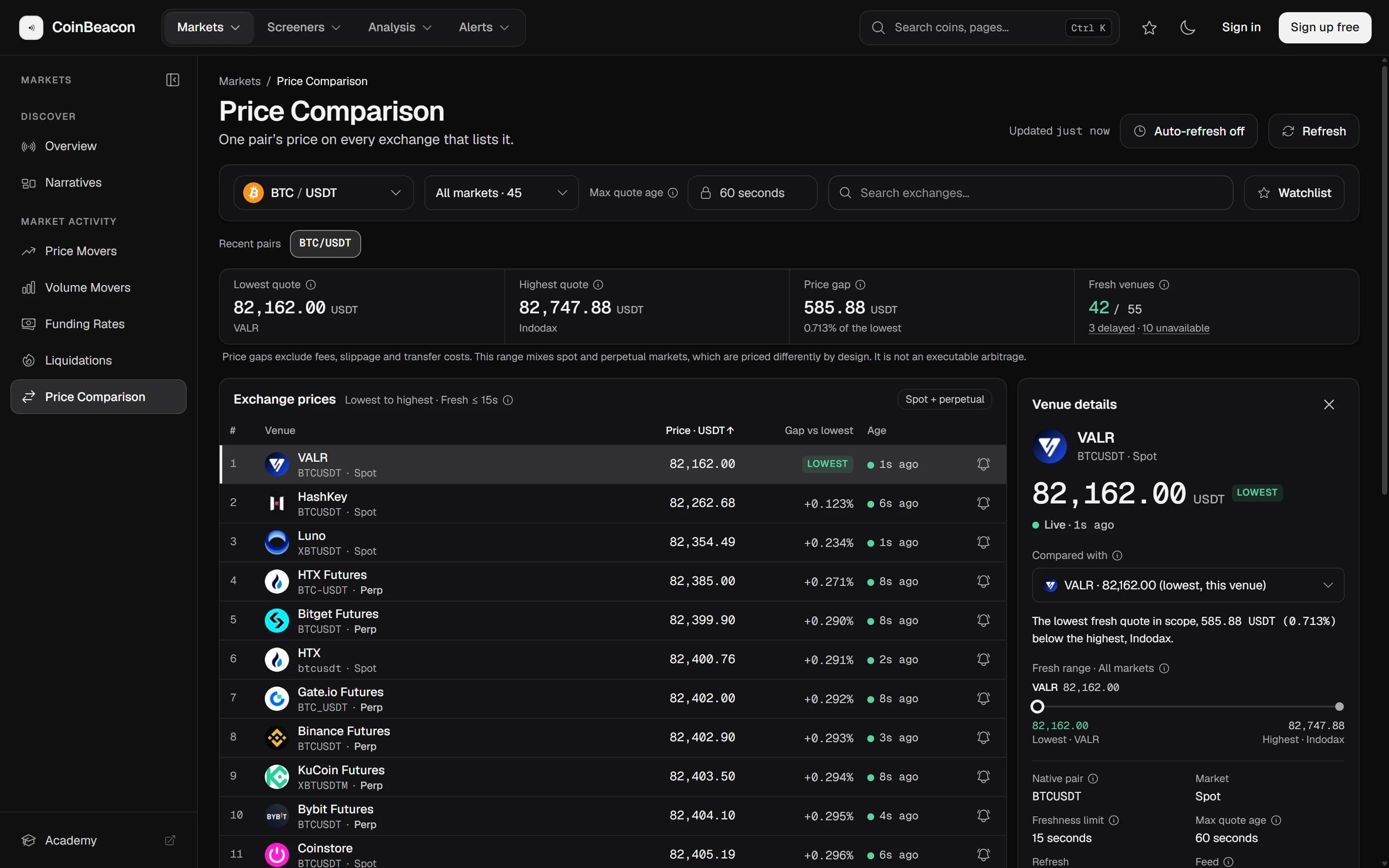
- It reads one exchange’s price. Bitcoin trades at slightly different prices on different exchanges, and the alert watches the market you picked. Pick the exchange you actually trade on.
- It is checked every 10 seconds, not on every trade. That is quick enough for a level you are waiting on. It is not a replacement for a stop order in a fast market.