Updated
Get a Telegram alert when a funding rate flips negative
Jordan Ellis
Senior Product Marketing Manager, CoinBeacon
A funding rate changing sign means the side of the market that was paying has stopped paying, and the other side has started. A flip alert tells you when that happens on one perpetual, within about a minute, wherever you read your messages.
What a flip means
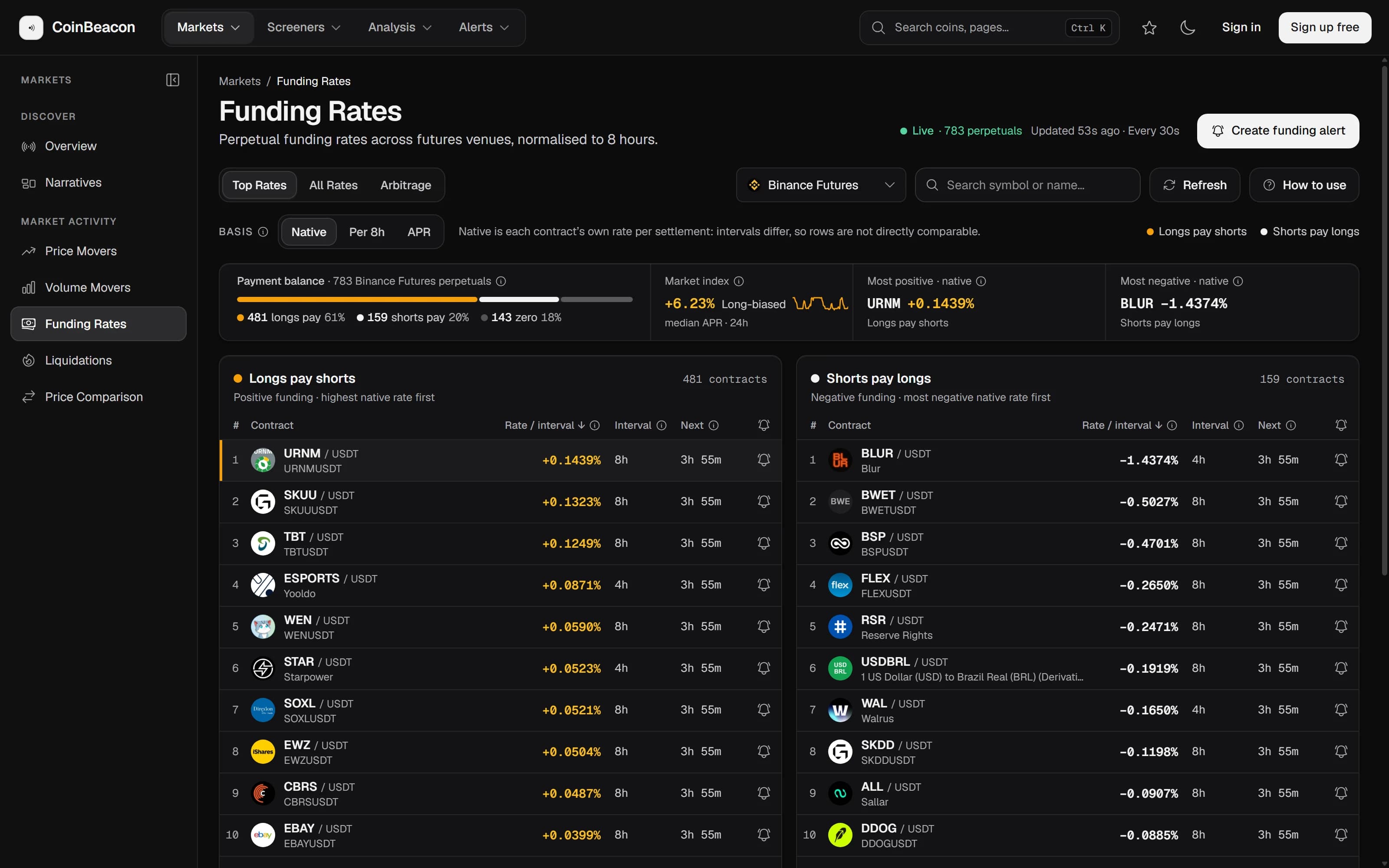
While a perpetual’s funding rate is positive, longs pay shorts; while it is negative, shorts pay longs. A flip from positive to negative means the crowding has swung from the long side to the short side, or at least that longs are no longer paying a premium to stay in. A flip back to positive is the reverse. If funding is new to you, start with funding rates explained.
Before you start
- You need a free account. The Flip mode appears once you are signed in. Signed out, the builder offers the other four modes.
- Connect Telegram first. An alert can only use a channel that is already connected. The channels guide covers Telegram in three steps. Discord, email and webhooks work the same way here.
- Know which exchange you trade on. Flip alerts cover perpetuals on Binance, Bybit, Bitget, Gate.io, KuCoin, HTX and BingX. OKX is not available for this alert yet.
Set up the alert
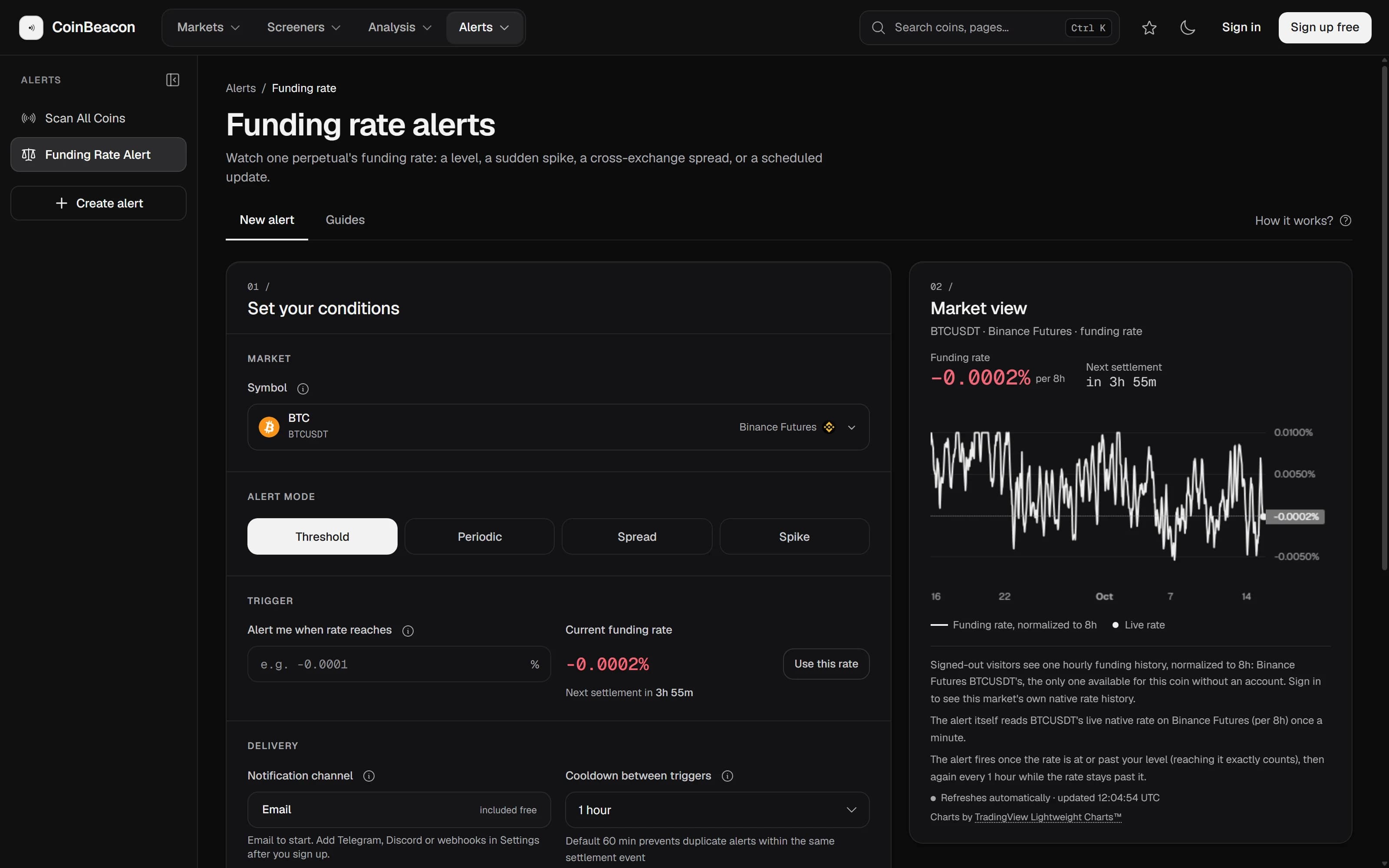
- Open Funding rate alerts. In the app, go to Alerts › Funding rate.
- Pick the contract. Search for the coin in “Symbol”. Each result is one perpetual on one exchange, so picking it also picks the exchange.
- Choose Flip. Under “Alert mode”, choose Flip. The card shows which way it will watch: if the rate is positive now, it reads “Flips Negative”; if it is negative now, “Flips Positive”. The direction comes from the current rate, so there is nothing to set.
- Choose Telegram. Set “Notification channel” to Telegram.
- Create it. Press “Alert me when it flips negative” (on a phone, “Flips negative”). The button waits until the live rate has loaded, because the direction depends on it.
What happens when it fires
The alert reads the contract’s live funding rate once a minute, and the first check runs about two minutes after you create it. When the rate crosses zero in the direction it is watching, you get a message on Telegram. The subject names the contract, the current rate and the level it crossed, for example a rate “below +0.0000%”.
It is a check of which side of zero the rate is on, not a one-time event. After the flip, it keeps alerting once per cooldown, one hour by default, for as long as the rate stays on the new side. A rate of exactly 0.0000% counts as either side. To stop it, pause or delete the alert.
Without an account
Signed out, you can build the same alert by hand: choose Threshold and enter 0 as the rate. The direction is taken from the current rate in the same way. Creating it still opens the free sign-up, and once your email is verified the alert is created for you.
What this alert does not do
- It watches one contract on one exchange. A flip on Bybit says nothing about Binance. For the whole picture, the funding board compares every exchange on one basis.
- It cannot point both ways. The direction is set from the rate when you create the alert. To be told about a flip back, create a second alert after the first one fires.
- A flip is not a trade signal. It tells you positioning has changed sides, not what the price will do next.